Accessing Bit2Me Earn is very simple and completely free, whether you're using the mobile app or the web platform. Here's how to get to this service to start earning rewards.
If you're accessing from the Web
If you're using the Bit2Me web version, select the Products option in the left sidebar menu and click on Earn.
If you're accessing from the App
From the Bit2Me mobile app, you have two quick ways to access Earn:
From the main menu: Tap on the three horizontal lines located in the top left corner of the screen to open the menu. Within this menu, select the Earn option.
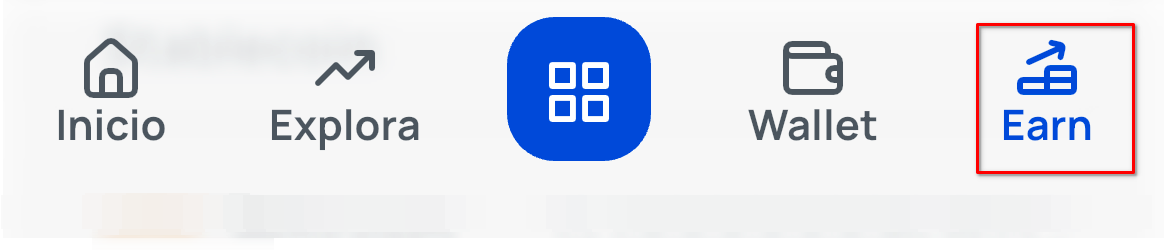
Direct access from the bottom menu: For an even faster way, simply tap on the Earn section you'll see in the horizontal menu at the bottom of the screen.
Was this article helpful?
That’s Great!
Thank you for your feedback
Sorry! We couldn't be helpful
Thank you for your feedback
Feedback sent
We appreciate your effort and will try to fix the article